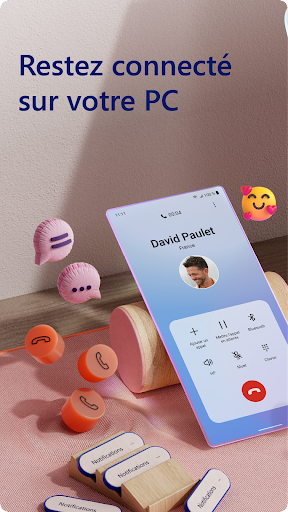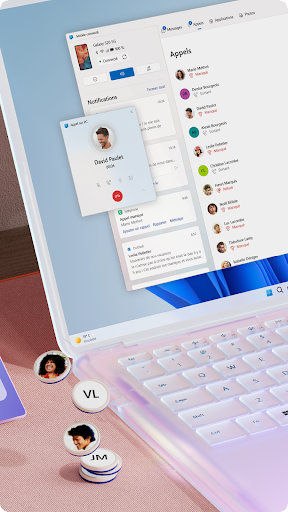
"Link to Windows" is a Microsoft application designed to seamlessly connect your Android smartphone with your Windows PC. The app enhances productivity by allowing users to access phone notifications, messages, photos, and apps directly from their Windows device.
Key Features:
- Notification Mirroring:
- Receive and manage your Android notifications directly on your Windows PC.
- Respond to messages without unlocking your phone.
- Messages & Calls:
- Send and receive SMS messages from your PC.
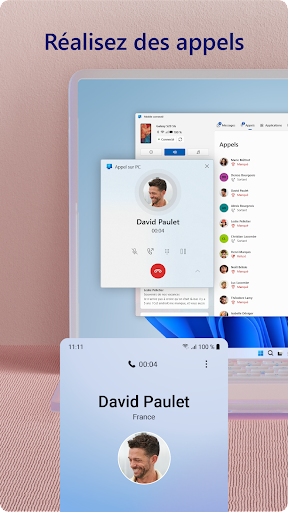
- Make and answer phone calls using your PC’s microphone and speakers.
- Photos & Files:
- Access recent photos stored on your phone.
- Drag and drop files between your phone and PC for easy transfer.
- App Access:
- Launch compatible Android apps directly from your Windows PC.
- Your Phone Companion Integration:
- Works closely with the "Your Phone" app on Windows to provide a unified experience.
- Screen Mirroring (via Your Phone app):
- Display your Android device’s screen on your PC for mirror viewing.
Compatibility Requirements:
- Windows PC:
- Windows 10 (version 1809 or later) or Windows 11.
- Android Device:
- Android 7.0 (Nougat) or later.
- Apps:
- "Link to Windows" app installed on your phone.
- "Your Phone" app on Windows.
Setup Instructions:
- On your Windows PC:
- Open the Microsoft Store and download the "Link to Windows" app (if not pre-installed).
- Sign in with your Microsoft account.
- Launch the "Your Phone" app and follow the prompts.
- On your Android device:
- Download and install the "Link to Windows" app from Google Play Store.
- Sign in with the same Microsoft account.
- Grant necessary permissions (notifications, contacts, messages, etc.).
- Pair Devices:
- Ensure Bluetooth is enabled on both devices.
- Follow on-screen instructions to pair your phone with your PC via QR code or PIN.
- Once paired, your devices will sync and allow access to features.
Benefits of Using Link to Windows:
- Enhanced Productivity: Manage messages, notifications, and calls without switching devices.
- Convenience: Easily transfer files and access photos.
- Continuity: Continuously work across devices seamlessly.
- Remote Access: Use your PC to interact with your Android apps.
Troubleshooting Tips:
- Ensure both devices are connected to the internet.
- Keep the "Link to Windows" and "Your Phone" apps updated.
- Restart devices if pairing fails.
- Check permissions on your Android device.